Auditing Booking References in a Zoho Books Export with Python
AI disclosure: I used an AI assistant to help draft this post. I ran the code and checked the output myself.
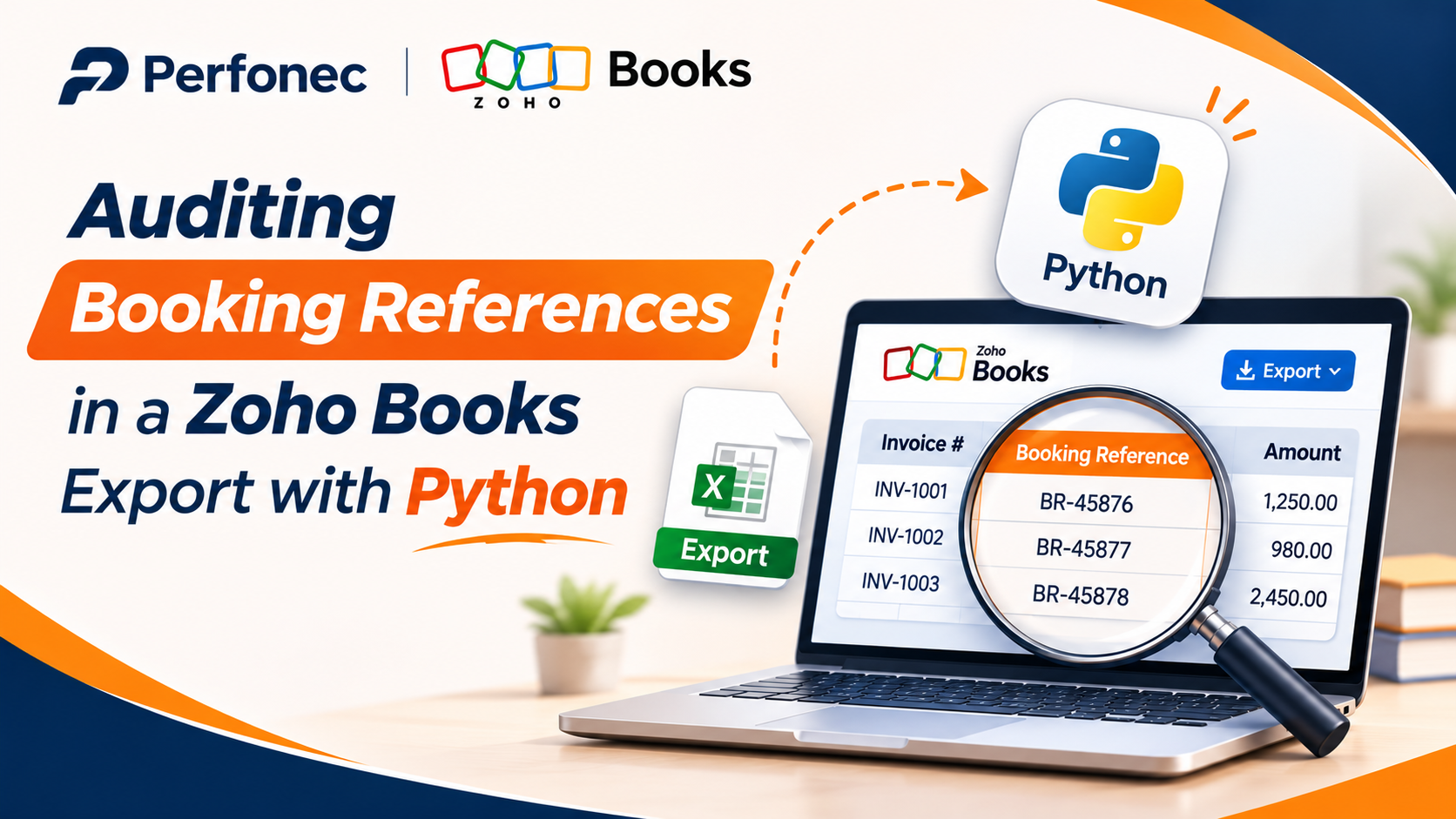
A travel agency sells one package and buys it from several suppliers. To see profit per booking in an accounting tool such as Zoho Books, every customer invoice and every supplier bill needs the same booking reference. People forget, or they type it differently, and the profit view quietly breaks.
In this post, we write a small Python script that reads two CSV exports, one of supplier bills and one of customer invoices, and lists reference problems. It uses only the standard library.
One caution first. Export column names differ between tools and editions, and I haven’t checked Zoho Books’ export headers for you. That is why the script has a mapping at the top that you edit to match your file. The sample data below is made up.
The data
exp_bills.csv:
csv bill_no,vendor,reference,currency,total,date B-1001,Hotel A,TRV-101,EUR,800,2026-10-02 B-1002,Transfers Co,TRV-101,AED,300,2026-10-03 B-1003,Hotel B,,USD,500,2026-10-06 B-1004,Tours Ltd,trv102,AED,250,2026-10-07 B-1005,Airline X,TRV-104,USD,1200,2026-10-09
exp_invoices.csv:
csv invoice_no,customer,reference,currency,total,date INV-501,Customer 1,TRV-101,AED,4500,2026-10-01 INV-502,Customer 2,TRV-102,AED,2600,2026-10-05 INV-503,Customer 3,TRV-103,AED,2000,2026-10-07 The script
The audit looks for four problems: a bill with no reference, a reference in the wrong format, a booking with costs but no sales invoice, and a sales invoice with no supplier bills yet.
python import csv import re import sys from collections import defaultdict
Map your export's column names here. Headers differ between tools and editions.
COLUMNS = {"number": "bill_no", "party": "vendor", "ref": "reference", "currency": "currency"} INVOICE_COLUMNS = {"number": "invoice_no", "party": "customer", "ref": "reference", "currency": "currency"} PATTERN = re.compile(r"^TRV-\d{3}$")
def read(path, cols): with open(path, newline="") as f: for row in csv.DictReader(f): yield {k: (row.get(v) or "").strip() for k, v in cols.items()}
def audit(bills_path, invoices_path): problems = [] bill_refs, invoice_refs = defaultdict(list), set()
for r in read(bills_path, COLUMNS):
    if not r["ref"]:
        problems.append(f"{r['number']} ({r['party']}): no booking reference")
    elif not PATTERN.match(r["ref"]):
        problems.append(f"{r['number']} ({r['party']}): reference '{r['ref']}' does not match TRV-000")
    else:
        bill_refs[r["ref"]].append(r["number"])

for r in read(invoices_path, INVOICE_COLUMNS):
    if PATTERN.match(r["ref"]):
        invoice_refs.add(r["ref"])

for ref, numbers in sorted(bill_refs.items()):
    if ref not in invoice_refs:
        problems.append(f"{ref}: costs {', '.join(numbers)} but no sales invoice")
for ref in sorted(invoice_refs - set(bill_refs)):
    problems.append(f"{ref}: sales invoice but no supplier bills yet")
return problems
if name == "main": issues = audit("exp_bills.csv", "exp_invoices.csv") print(f"{len(issues)} issue(s) found") for line in issues: print(" -", line) sys.exit(1 if issues else 0)
Save it as audit_refs.py next to the two CSV files and run python3 audit_refs.py.
The output 5 issue(s) found
- B-1003 (Hotel B): no booking reference
- B-1004 (Tours Ltd): reference 'trv102' does not match TRV-000
- TRV-104: costs B-1005 but no sales invoice
- TRV-102: sales invoice but no supplier bills yet
- TRV-103: sales invoice but no supplier bills yet
Notice how one typo cascades. Bill B-1004 was typed as trv102, so it fails the format check. Then TRV-102 also shows up as having a sales invoice but no supplier bills. Fixing the one typo clears both lines.
The script exits with code 1 when it finds issues, so you can run it in a scheduled job or a pre-close checklist.
Ideas to extend it Reject duplicates, such as the same bill number on two bookings. Add the currency and total columns, and flag foreign-currency bills so a person checks their exchange rates. Read the files from a folder, and name the report with the month. Add a few unit tests with tiny CSV strings for each problem type. Limits
This only checks that references are present and consistent. It does not know whether an amount is right, how VAT should be treated, or how your accounting tool records exchange differences. Those depend on your business and edition, so confirm them with a qualified adviser.
What would you check next?
About the author
Perfonec Computers specialises in accounting and financial management software and is an official partner of Sage 50, QuickBooks, Tally ERP, Zoho Books, and Odoo ERP. We also stand out as one of the best cloud hosting providers, offering reliable solutions for seamless business operations. Our ERP accounting solutions help you create budgets, monitor spending, and access comprehensive financial information.
Comments
Join the discussionNo comments yet. Be the first to comment.